

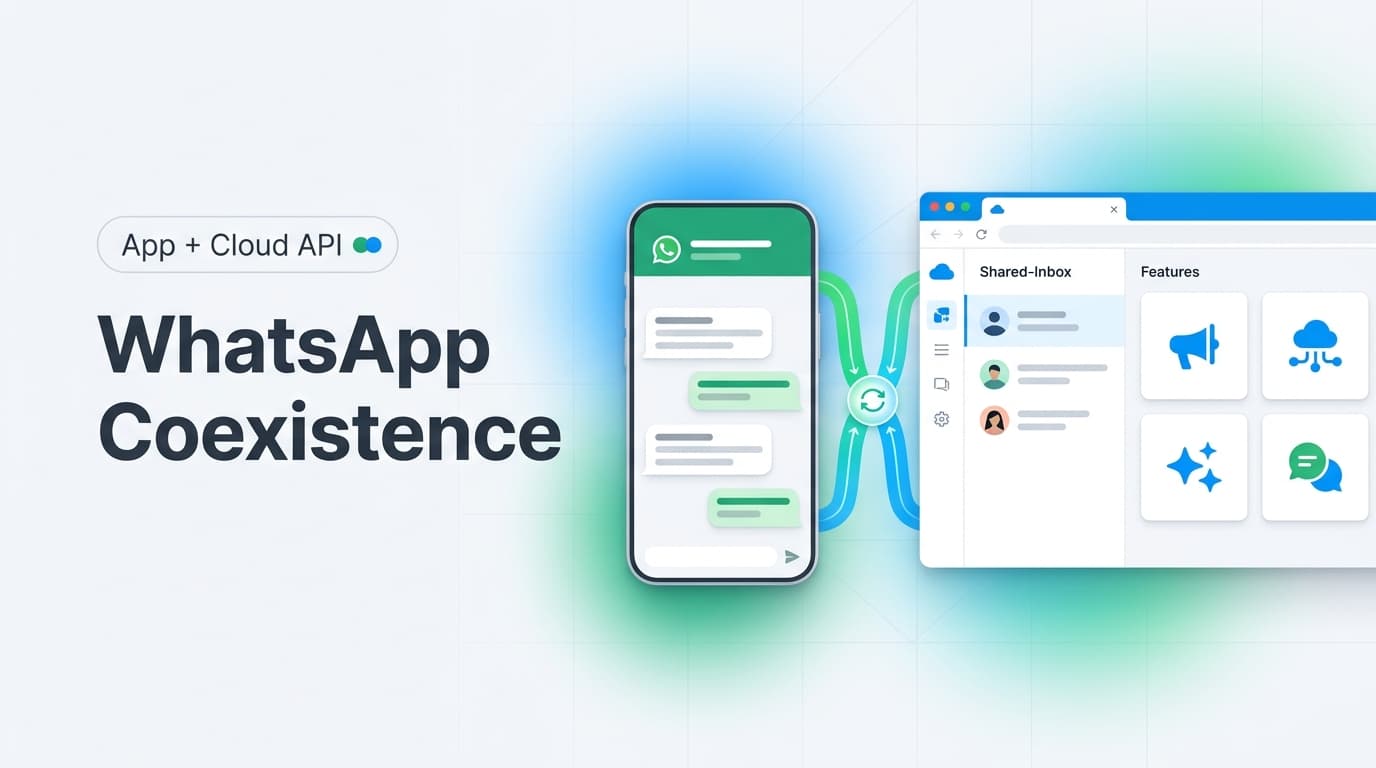
For years, businesses moving to the official WhatsApp Business API faced an all-or-nothing trade-off: to unlock template broadcasts, a shared team inbox, and AI automation, you had to disconnect your number from the WhatsApp Business mobile app and lose access to your existing chats on your phone.
WhatsApp Coexistence removes that trade-off. It lets you connect an existing WhatsApp Business app number to the official WhatsApp Cloud API in parallel—so your team can keep replying from the mobile app (or WhatsApp Web) while running broadcasts, CRM workflows, and AI replies from AdsEra.
What Is WhatsApp Coexistence?
WhatsApp Coexistence is Meta's onboarding mode for businesses that already talk to customers on the WhatsApp Business app and do not want to give up their phone workflow.
Instead of migrating your number off the mobile app, Coexistence links the same phone number to AdsEra via Meta's Embedded Signup:
- Keep your WhatsApp Business app active: Your team continues chatting on the phone app and WhatsApp Web just as before.
- Two-way chat sync: Messages and replies sent from the WhatsApp Business app—including message edits and deletions—sync straight into AdsEra's shared team inbox.
- Chat history & contact import: During setup, you can share up to 6 months of recent chat history into AdsEra and keep phone-app contacts synced with your CRM.
- Official API power on top: Send Meta-approved template broadcasts, automate replies with keyword rules and workflows, and turn on Addy (AdsEra's AI agent) on the same number.
WhatsApp Coexistence vs. Standard Cloud API: Side-by-Side Comparison
Not every business needs Coexistence. If you are setting up a brand-new support line, a dedicated Cloud API number offers higher throughput and voice features. Here is how the two options compare inside AdsEra:
| Feature | Existing Number (Coexistence) | New Number (Cloud API) |
|---|---|---|
| Best for | Numbers your team already uses on the WhatsApp Business app | Fresh business lines or numbers not yet on WhatsApp |
| WhatsApp Business mobile app | Stays active—your team keeps using the phone app | Number leaves the mobile app and is managed entirely in AdsEra |
| Existing chats & contacts | Up to 6 months of recent chats and contacts sync into AdsEra | Starts fresh (old phone chats and groups are not restored) |
| Template broadcasts & shared inbox | Supported (template broadcasts, shared inbox, workflows, Addy AI chat) | Full automation, templates, and broadcasts |
| Sending limits | Lower messaging limits than a dedicated Cloud API number | Highest sending limits and throughput |
| WhatsApp calling & AI voice agent | Not available in AdsEra (calls continue ringing in the phone app) | Supported (team browser calling, AI voice via Addy, or Call API) |
| Meta Business AI Agent | Not available on Coexistence numbers | Supported (on eligible accounts) |
What You Should Know Before Choosing Coexistence
Because Meta keeps the mobile app connected alongside the API, a few Cloud-API-only capabilities work differently on Coexistence numbers:
- Voice calls stay on the phone: In-browser WhatsApp calling and Addy's AI voice agent are only available on dedicated Cloud API numbers. On Coexistence numbers, incoming calls continue ringing inside the WhatsApp Business app.
- AI chat works—with one UI difference: AdsEra's Addy (AI agent) answers chats, qualifies leads, and books appointments on Coexistence numbers, using interactive buttons and lists instead of on-the-fly WhatsApp forms.
- Meta AI Agent is excluded: Meta does not offer its built-in Meta Business Agent on numbers that remain active on the WhatsApp Business app.
- 24-hour window & Meta template fees: Standard WhatsApp rules apply—replies inside an open 24-hour customer service window are free, while business-initiated outreach outside 24 hours uses Meta-approved templates (Marketing, Utility, or Authentication), billed separately by Meta with no AdsEra markup.
How to Connect WhatsApp Coexistence in AdsEra
Connecting your existing WhatsApp Business app number takes a few minutes through Meta's secure Embedded Signup flow. You will need workspace admin access in AdsEra, a Facebook login with admin access to the Meta Business Account that owns the number, and your phone with the WhatsApp Business app installed.
- Open the WhatsApp Channel page: In AdsEra, go to WhatsApp → WhatsApp (or sign in at app.adsera.in/dashboard/whatsapp/login) and click + Add WABA (or Connect WhatsApp if no number is connected yet).
- Launch Meta Embedded Signup: Click Connect WhatsApp to open Meta's secure pop-up window (make sure browser pop-ups are allowed).
- Select the existing-app Coexistence option: Log in to Facebook, choose or create your Meta Business Account and WhatsApp Business Account, and choose to connect your existing WhatsApp Business app rather than registering a fresh API-only number.
- Scan the QR code (no OTP migration needed): Instead of deactivating your phone app with an OTP, scan the QR code shown in Meta's pop-up using the WhatsApp Business app on your phone, and opt in to sharing your chat history.
- Enable contact & history sync in AdsEra: Once connected, open your number's Automation & settings card on the WhatsApp Channel page:
- Toggle on Sync contacts from the phone app to keep phone-saved contacts in sync with AdsEra.
- Click Sync history under Chat history for the one-time import of recent chats, and keep the WhatsApp Business app open on your phone until the progress bar finishes.
For a full technical walkthrough of connecting numbers and managing WABA settings, see the AdsEra WhatsApp connection guide and Managing WhatsApp Accounts docs.
Ready to See WhatsApp Coexistence in Action?
If your team relies on the WhatsApp Business app every day and wants a shared CRM inbox, template broadcasts, and 24/7 AI lead handling without losing your existing phone chats, WhatsApp Coexistence gives you the best of both worlds.
Book a 15-minute live demo on Cal.com to walk through connecting your existing WhatsApp Business number to AdsEra, or create a free AdsEra account to get started.